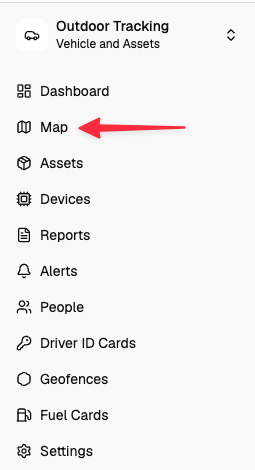
Navigate to the map page.
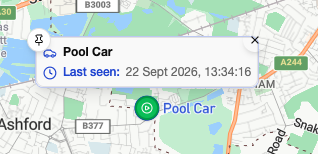
Hovering on a device will show the card. In this example, it shows the asset name and last seen date/time.
You can customise this to show more or fewer details.
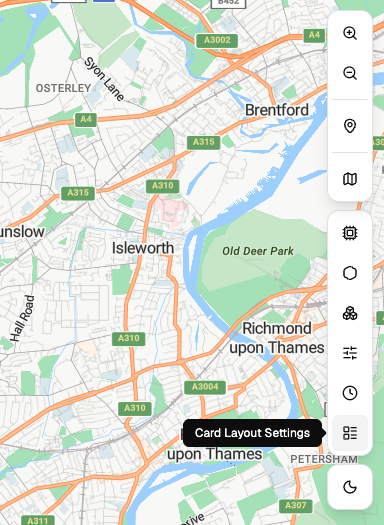
Go to ‘Card Layout Settings’ to add more data points to the card.
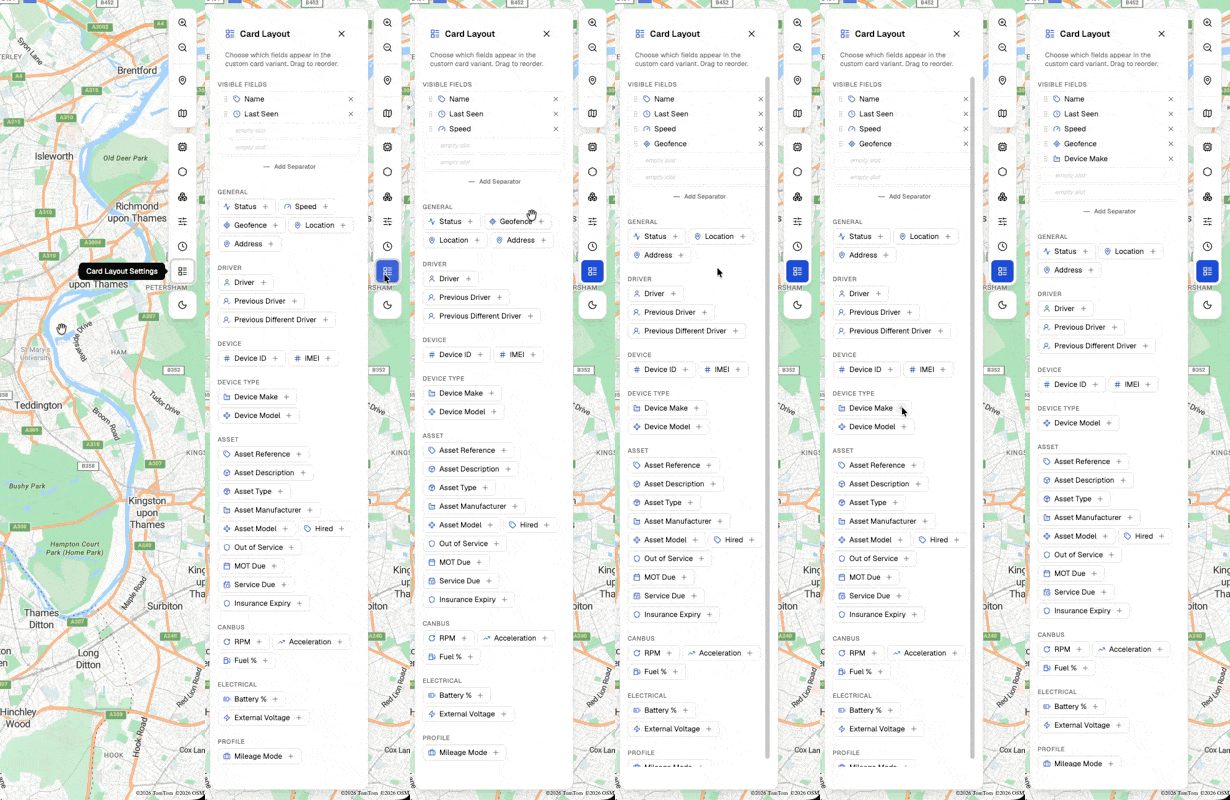
Here is how to update the card layout